The Central Industrial Security Force (CISF) is one of the most important Central Armed Forces of India formed on 10th March 1969 under the Ministry of Home Affairs (MHA) of the Government of India. It operates its headquarters in New Delhi and guards and safeguards sensitive government buildings, airports, Delhi Metro and major industrial sectors in all states of India.
The government has initiated the CISF Employee Corner, a dedicated and secured web portal which provides the provision of instant and secure access to salary slips, personal records and other important services to all the employees of CISF anywhere, anytime.
What Is CISF Employee Corner?
CISF Employee Corner – It is an official online platform created by Central Industrial Security Force Department, Government of India. It can be accessed from cisfapp.cisf.gov.in and is a single platform for all employee services.
From checking your monthly payslip, updating your personal details, to viewing leave records, it’s all in one secure location. The portal was created in the wake of the Government’s drive to digitize employee management in Central Armed Forces.
Key Features of the Portal
The portal provides a variety of useful features for CISF staff:
- Monthly Payslip Download: View and download salary slips for any month
- Eligibility and Salary Schedule: It details the breakdown of salary and includes basic pay, grade pay, allowances, PF, GPF, income tax etc. as per the 7th Pay Commission.
- Leave & Attendance Records: Online tracking & management of leave status.
- Official Circulars & Notifications: Keep abreast of the latest orders and announcements
- Secure OTP-Based Login: Multi-factor authentication to protect personal and financial data (updated for 2026)
How to Login to CISF Employee Corner
It’s easy to log into the portal and only takes a few minutes. Please take your time and do it carefully:
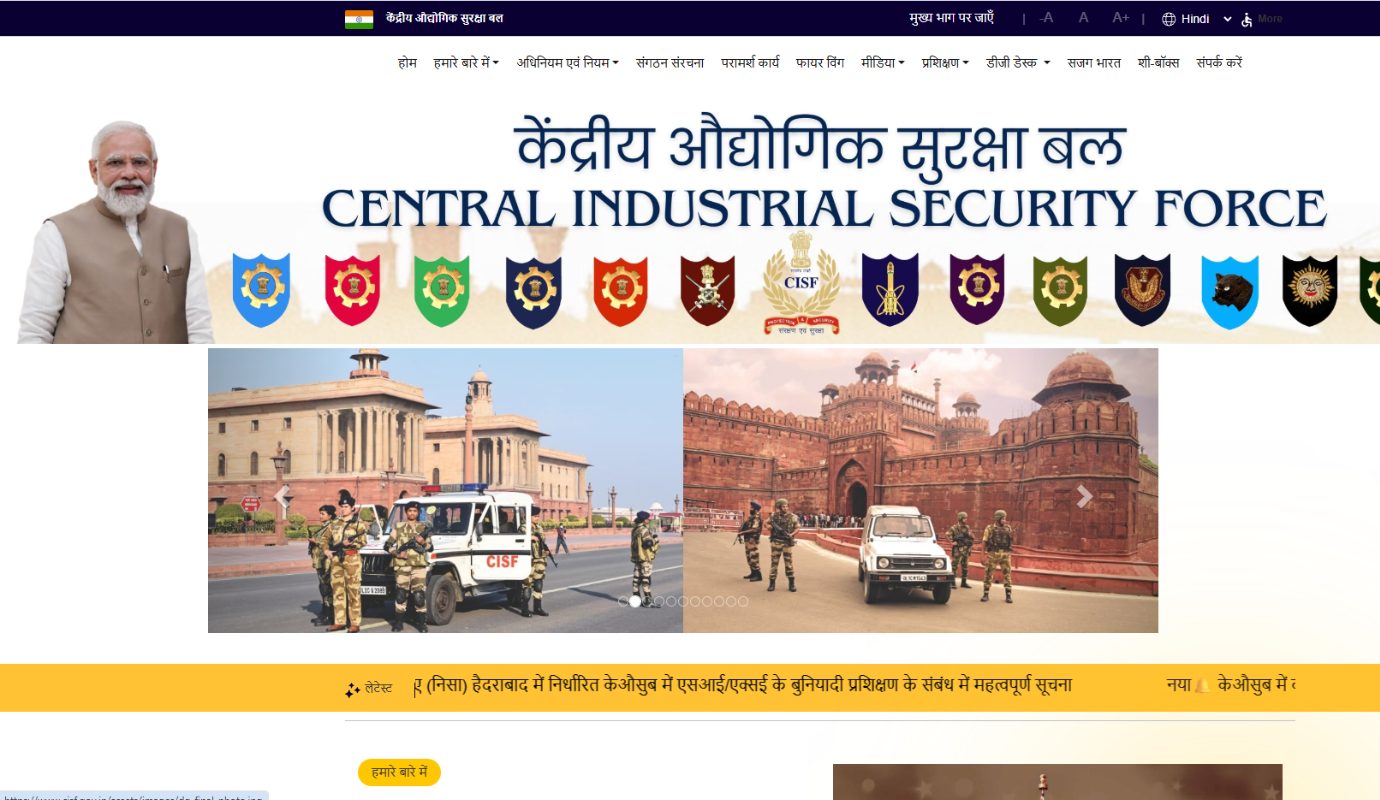
- Open browser and go to the official website of CISF website www.cisf.gov.in.
- On the Homepage, search for the link, “CISF Employee Corner” and click it.
- A login page will appear on your screen.
- Type in your Force Number / Employee ID in the username field.
- Enter your Password
- Fill out the CAPTCHA on the screen
- Enter the OTP which was sent to your registered mobile number (2026 security update)
- Click on the “Login” button
After you log in, your personal dashboard will be displayed which will provide you with access to all services available.
Steps To Download the Payslip of CISF Online
Once you log in, it is easy to download your monthly pay slip:
- Use the above process to log in to the portal.
- From the Dashboard select the “Payslip” or “E-Vetan” section.
- Choose the month and year you wish to select
- You can preview the payslip by clicking on “View payslip”.
- To download or print a copy, click on “Download” or “Print”.
All salary components, such as basic pay, deductions, and net pay for that month will appear on your payslip.
Read Also:Top F1 Racers to Watch as Lewis Hamilton Starts a New Journey With Scuderia Ferrari
How to Reset Your Password
If you have lost your password, here are the steps to change your password:
- Click on “Forgot Password” or “Reset Password” at the logon screen.
- Type in your Employee ID / Force Number and the CAPTCHA code.
- Click Submit.
- An OTP/ reset link will be sent to your registered mobile number/ email address.
- Enter the OTP and click the link, and then establish a new password.
- Use your new login to log in.
Final Word
The CISF Employee Corner is a very convenient and secure platform which has made managing salary information and employment records for CISF personnel easier. Employees can now access all the information they need without paper or coming to the office with a few clicks.
CISF employees, please note that the official portal of CISF is cisfapp.cisf.gov.in so bookmark it for quick access each month. Check our blog for more information and guidance on government portals.
FAQs
1. What is the official website of CISF Employee Corner?
The official portal is cisfapp.cisf.gov.in or on CISF website www.cisf.gov.in.
2. Which of the following information will be provided in the pay slip of the CISF?
The basic pay, grade pay, all allowances, PF contribution, GPF, income tax deductions and net salary as per the 7th Pay commission norms are shown on the payslip.
3. If I can’t log into the portal, what do I do?
First, make sure you have the correct Force Number and password. In case of any problem, reset your password by using the “Forgot Password” link on your registered mobile phone using OTP.
4. Is CISF Employee Corner portal safe to use?
Yes, all the personal and financial data on the portal is kept confidential with multi factor authentication and OTP based login verification.
5. Who can be present at the CISF Employee Corner?
The portal can be accessed by all the active CISF personnel like Constable, Head Constable, ASI, Sub-Inspector and officers with valid login details.
Read More: Pros and Cons of a VPN: What You Need to Know Before Using One