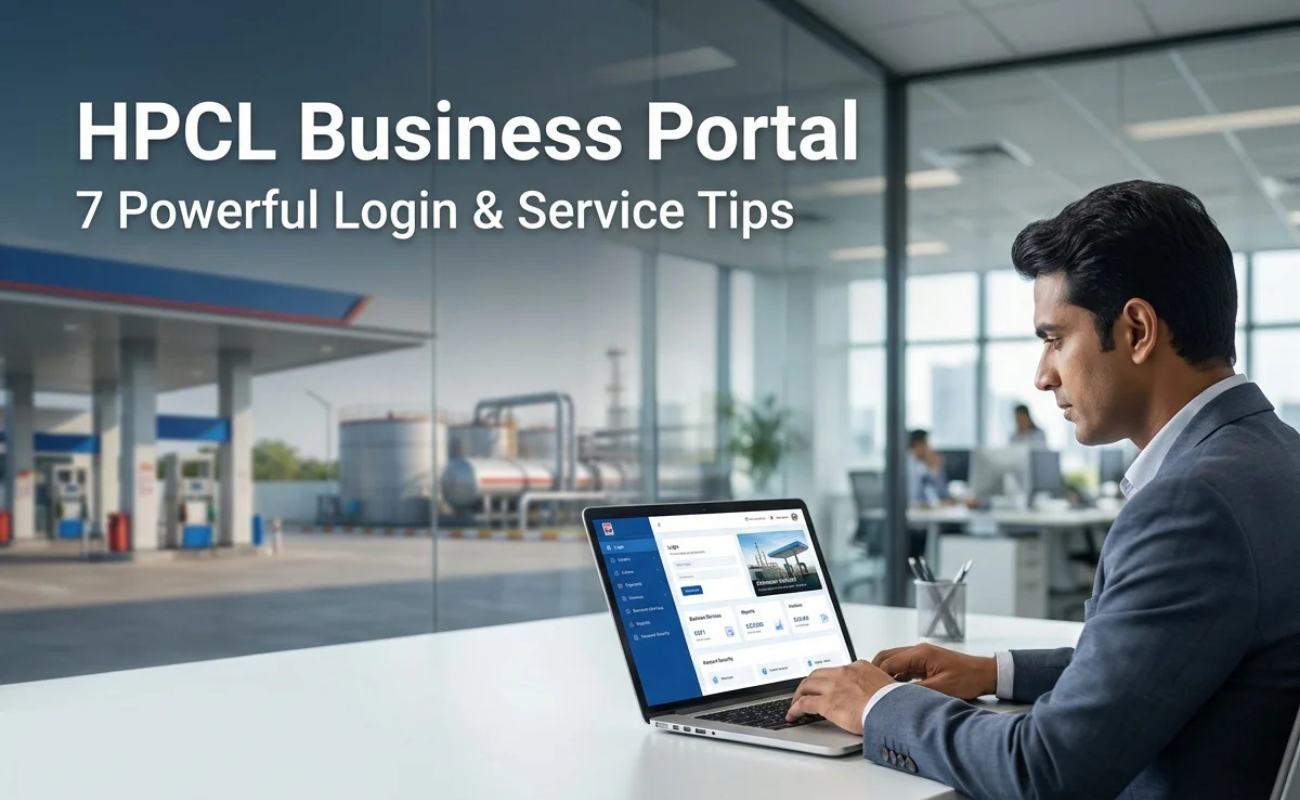
If you are a petrol pump owner, an LPG distributor, or sell goods and services to Hindustan Petroleum Corporation Limited (HPCL), you have definitely heard about the HPCL Business Portal. This is the online system that HPCL developed to help dealers, distributors, vendors and transporters avoid the need to go to a regional office or call anywhere to check on an order or follow up a payment. Everything is available in one screen, at any time of the day.
This guide outlines what the portal does, who can access it, the enrollment process and how to troubleshoot some of the little issues people tend to experience with the portal.
What Is the HPCL Business Portal?
HPCL Business Portal is the official website of HPCL for its business partners. It helps link the retail dealers, LPG distributors, transporters and vendors to HPCL’s system and facilitates them to complete their daily business activities digitally rather than on paper.
Previously, a fuel indent and/or upcoming payment required a call to the sales office or a trip in person to the dealer. Now, all that information is within easy access of a login. The portal maintains the order, invoice, payment and account balances and enables HPCL and its partners to view the same data simultaneously.
There are, in fact, several associated portals under this same concept, depending on the nature of the user:
- Sales Portal (for dealers and distributors) – sales.hpcl.co.in
- Vendor Portal / e-Tendering Portal (for suppliers and contractors) – for bids, tenders and vendor payments
- My HPCL Portal (for HPCL employees)
- When it comes to “HPCL Business Portal,” most business partners are referring to the sales-side business portal.
Who Can Use This Portal?
The portal is designed for all those who have continuous business relationships with HPCL, such as:

- The dealers at retail outlets (petrol pumps)
- LPG distributors
- Bulk fuel purchasers
- Vehicles for transporting HPCL products
- Vendors supplied to HPCL to sell goods or services to HPCL.
Once logged in, each of these users will have a different set of options, as a dealer has different needs than a vendor will.
Key Features of the HPCL Business Portal
Some of the major functionalities of HPCL Business Portal are:Order Placement and Tracking –
1. Indent for Fuel, LPG and Lubricants.
2. The dealers/distributors could place indents (orders) online and can view the enquiry status without calling the depot.
3. Virtual Account and Payments: You can see the balance on your virtual account, see payments debited for each supply and see what payments have been made in your virtual account in a manner similar to a bank passbook.
4. Invoice and GST Document: GST document and invoice can be downloaded by dealers/vendors as and when needed for accounting/GST filing purposes.
Sales and Transaction History: It maintains records of previous transactions and payments, allowing you to quickly access past orders and payments without having to dig through paperwork.
5. For business partners that supply goods/services to HPCL, a self-service area is provided for updating business partner information, submitting invoices, managing bank details and tracking purchase orders.
6. Vendors interested in working with HPCL can have access to live tenders, submit tenders and download the tender documents online without coming to their office.
In case of any problem users experience in placing orders or payment, they can raise the issue through the portal and follow the issue till it is resolved, for any tax related issues there is a dedicated GST helpdesk to address the queries of users.
Read Also: FintechZoom.com: What It Really Is and Whether You Can Rely On It
How to Register on the HPCL Business Portal
Creating an account is a relatively simple process:
- Visit the official website of the HPCL business/sales portal.
- Check the homepage for a sign up or register button.
- Enter your business information, including dealer or vendor code, company name and contact information.
- Enter the CAPTCHA code that appears on the screen.
- Fill out the form and submit it for verification.
- If your information is approved by HPCL, you will be provided with login information, typically a Customer ID or Vendor ID and a password.
Most new vendors (not existing dealers) who wish to participate with HPCL for the first time register via e-tendering/vendor portal, where they will have to go through the process of approval to access the portal for login.
How to Log In
Once you’re registered:
- Go to the HPCL business login page.
- Type in your Customer ID or Vendor ID.
- Type in your password.
- Please enter the CAPTCHA displayed.
- Tap the ‘Login’ button.
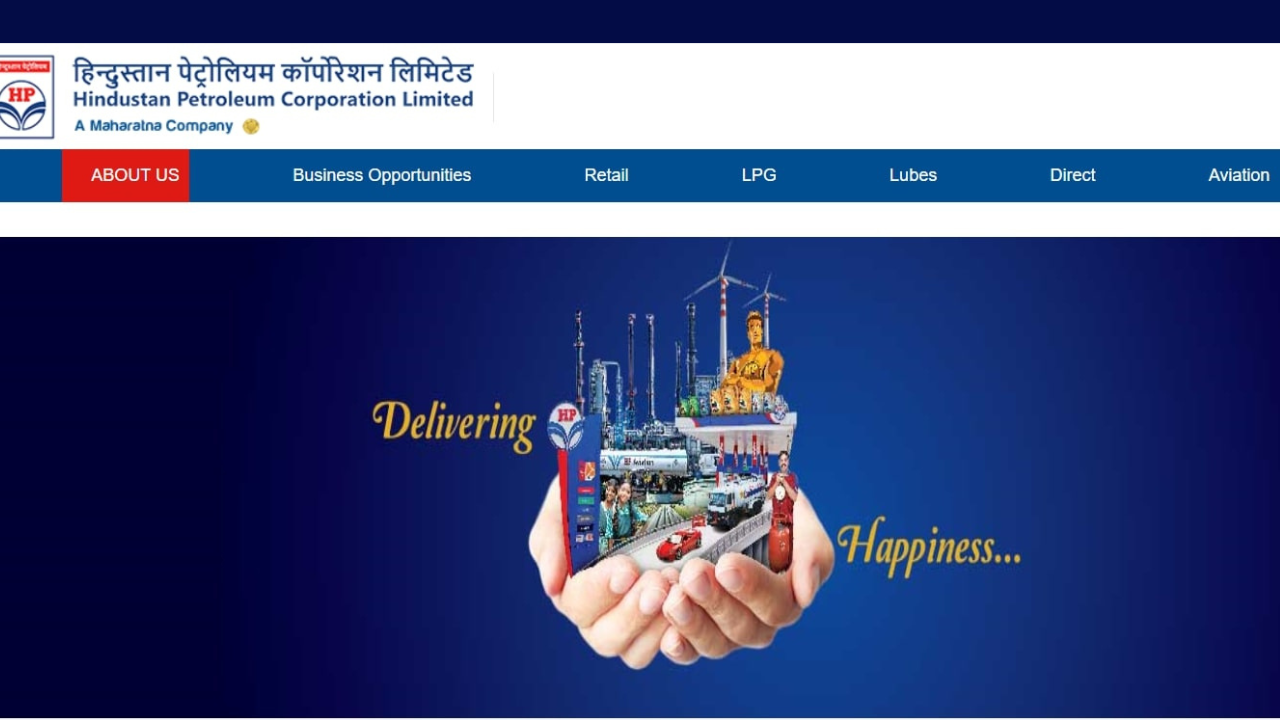
You should check that you are logged in with the correct portal link, as it is a different system than the vendor/e-tendering portal and is different for every user type.
Common Login Problems and Fixes
Here are some common login problems and fixes.
- Forgot Password: If you lost your password, please use the “Forgot Password” link on the login page to reset your password using your registered mobile number/email.
- Account not active: New registrations may take a day or two to be accepted. If it’s been longer, contact HPCL’s helpdesk.
- Wrong portal: Ensure that you’re not logging in to the vendor portal using dealer credentials or the other way around.
- Browser problems: Older portal pages may work better on the Chrome browser or if pop-up blocks are disabled.
- Otherwise, the portal generally provides a helpdesk phone number or email address for technical problems, in addition to the GST helpdesk.
Is There a Mobile App?
HPCL also has the HP Buddy application that provides mobile access to some of the same features for dealers and users, such as checking on orders or account information, without having to open a browser each time.
Why This Portal Matters for Your Business
The HPCL Business Portal is not just a convenience for a dealer or vendor; it’s a game-changer for how the day-to-day operations run. You don’t have to go back and forth with paperwork or wait for a phone call; you have real-time visibility of your orders, payments and account status. This translates into fewer mistakes, quicker decision-making, and more time to spend on business – not file management.
Final Word
HPCL’s Business Portal is actually HPCL’s attempt to take decades of paper-based dealer/vendor management and put it in a single digital system. While it won’t eliminate all the problems involved in running a fuel business, it will reduce the amount of back-and-forth that took too much energy. If you’ve never registered and you do regular business with HPCL, then it may be worth registering and familiarising yourself with the features it has to make daily work easier and not harder.
Read More: What Is content://cz.mobilesoft.appblock.fileprovider/cache/blank.html?: Meaning & Fix