You don’t have to wait in long lines at the bank to properly manage your funds. Canara bank net banking allows bank users to check their bank balance, send money, pay bills and manage their accounts from any phone or computer at any time.
This article will show you how to register, log in, the basic services you receive, the advantages of e-banking and how the bank ensures that your account is protected. If you’ve just been doing a bit of research on your own, or if you’re a new customer looking into the process, this article will have you covered.
How to Register for Canara Bank Net Banking
The signing up procedure is very easy and consists of two steps.
Online registration
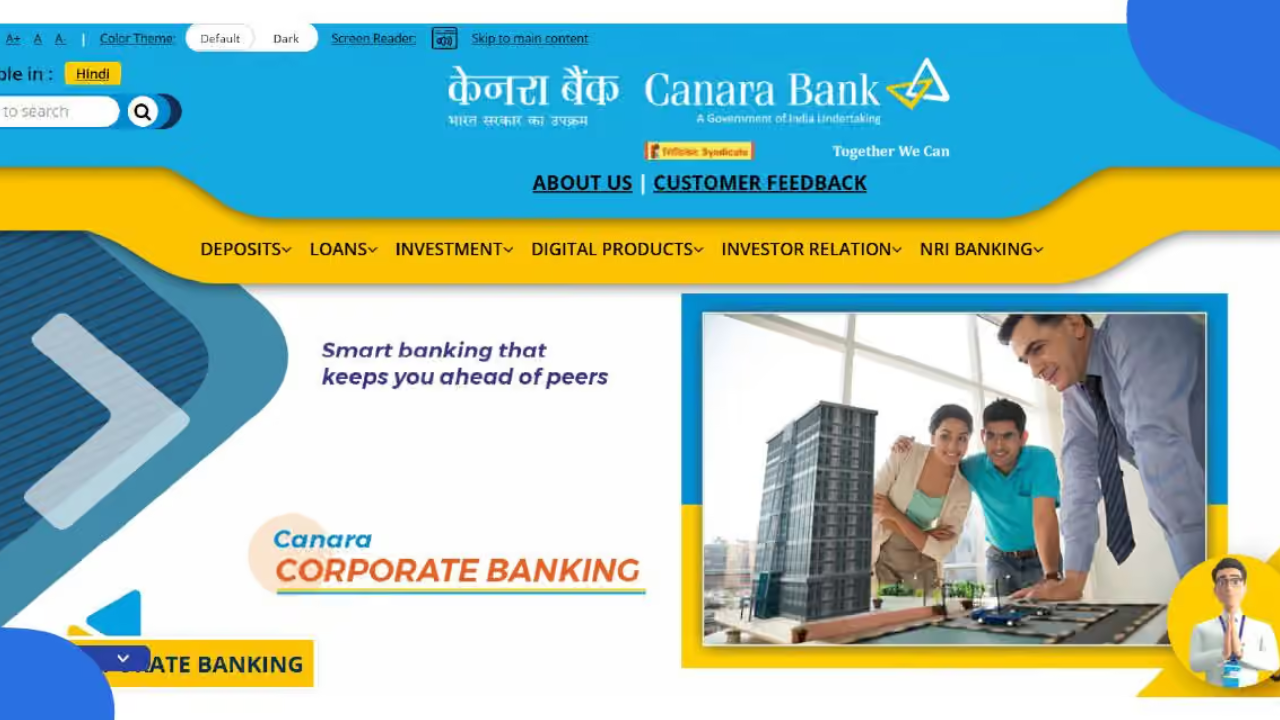
- Log onto the official website of Canara Bank and on the home page click on Net Banking.
- Click on “Register” or “New User Activation.”
- Fill in the required information such as Account number, Customer ID and Date of Birth as requested.
- Please confirm your identity with the OTP you received on your registered mobile number.
- Set up a User ID and password of your own (and confirm them).
- After confirming your details, your registration will be complete and you will typically receive a confirmation message or email.
Offline Registration
- Go to the nearest Canara Bank Office during operating hours.
- Request the Net banking registration form.
- Enter all the correct accounts and personal information.
- Provide any necessary identifying paperwork that needs to be reviewed.
- After the branch verifies your form, you will be given your login credentials.
Once you sign up, your account should be activated shortly. An SMS or e-mail will be sent to you containing instructions to activate your net banking facility. Simply follow those steps and you will be able to log in.
Canara Bank Net Banking Login Process
It is easy to log in after obtaining your credentials.
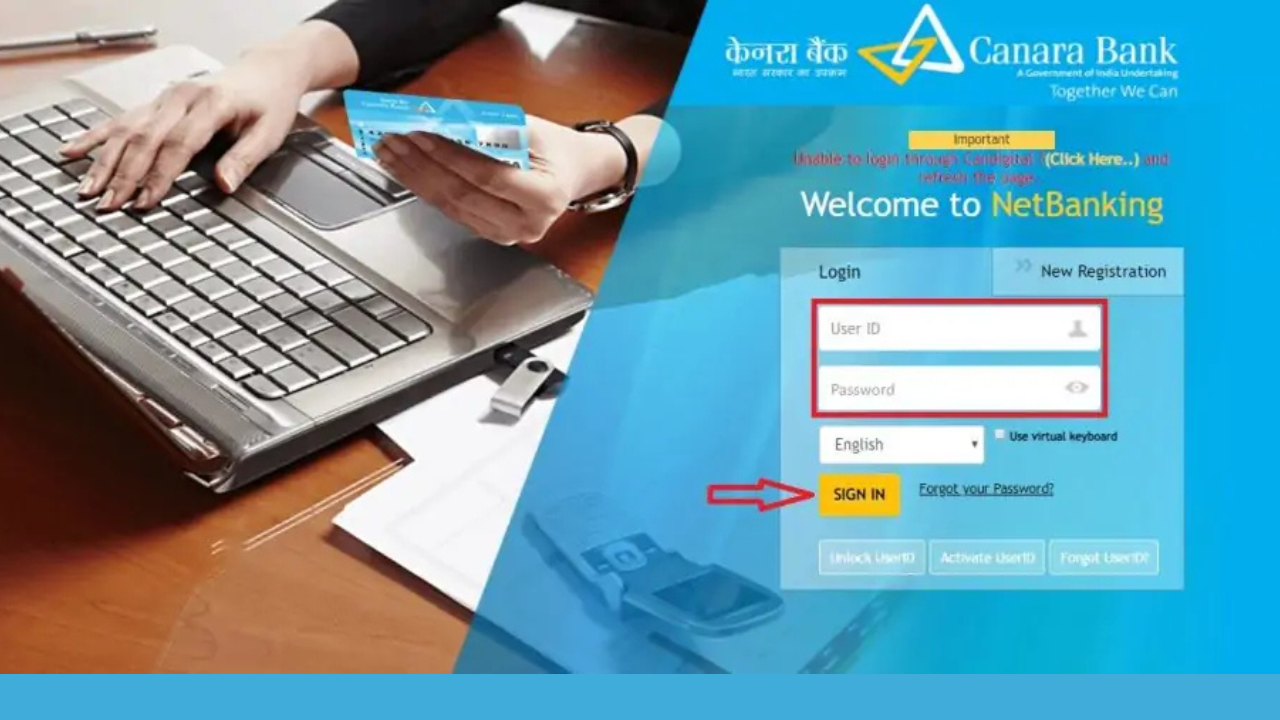
- Visit the official site of Canara Bank in your browser.
- Look for a “Net Banking” or “Online Banking” link on the home page and click on it.
- Please enter your User ID in the designated space.
- Type in your password carefully.
- When prompted, type the CAPTCHA code into the box. This will help to prevent automated bots from attempting to log in.
- To proceed click “Login” or “Submit”.
- After you have been verified your details will redirect you to your account dashboard where you can view balances, transfer funds, pay bills and view statements.
- Always log out of the browser properly, not just by closing the browser window. This helps to ensure your account remains protected, particularly when you’re using a shared or public computer.
By familiarizing yourself with the Canara bank net banking login procedure, banking tasks will get quicker and easier, as you will not have to visit the branch for any routine tasks.
Read Also: ActiveVitalSpark com: A Straightforward Look at What It Actually Offers
Key Features of Canara Bank Net Banking
After logging in, you will have access to a variety of services:
- Balance enquiry: View your account balance and transaction history at any time.
- Fund transfer: Transfer funds either to an account in another bank or to another Canara Bank account through NEFT, RTGS or IMPS. You can also set up recurring transfers.
- Bill payments: Pay your credit card, insurance, phone and electricity bills from the comfort of home. You may also set up payments, so that you do not miss payment deadlines.
- Mobile recharge: Prepaid mobile or DTH recharging directly from the portal.
- Investment and insurance services: Open fixed deposits online, invest in mutual funds or purchase and renew insurance policies online.
- Address, email and phone number change: Edit your address, email and phone number, and connect with other accounts to access more easily.
- E-statements: Get statements for your account anytime, and reduce paper usage.
- Secure messaging: Communicate with the bank directly via the portal, rather than on the phone in wait.
Advantages of Canara Bank Net Banking
There are daily benefits to switching to online banking:
- Available 24/7: Bank whenever it suits you, including weekends and holidays, without worrying about branch timings.
- Convenience: Conduct a majority of banking business at home or in the office rather than at a bank branch.
- Saves time: Makes effective transfers and payments in a few clicks instead of paperwork.
- Keep expenses low: Save on travelling costs and many online transfers are cheaper than travelling to do them in person.
- Real Time Updates: Receive instant notifications for transaction, balance, and account activity so you have the latest information about your money.
- Easier financial planning: Access to statements and transaction history makes it easy to keep track of spending and plan.
- Eco-friendly: Using e-statements instead of paper statements is a simple way to reduce waste.
Security Measures in Canara Bank Net Banking
Questions of safety are common when it comes to online banking, and Canara Bank has several security measures:

- Data encryption: Your data is encrypted when it’s sent from your device to the bank’s systems, preventing easy interception of sensitive information.
- Two factor authentication: Apart from the User ID and password, you will also be asked to enter an OTP which is sent via SMS to your registered mobile number or email.
- Account lockout: If there are multiple failed logon attempts, the account is temporarily disabled to stop unauthorized logon. To unlock the bank you will need to make a contact.
- Auto Logout: If you don’t log out, the session will expire after a period of time, which adds an additional layer of protection if you forget to log out.
- Continuous monitoring: The bank is constantly surveillance for any suspicious activity and keeps its systems up to date to protect against fresh kinds of fraud.
Keep your password or OTP confidential, use a strong and unique password and update your contact information to ensure you never miss important alerts.
Final Word
Canara Bank Net Banking is a tool that makes the everyday transaction of money easy. After registering and logging into your account, you’ll be able to check balances, transfer funds, pay bills and manage your account anytime and anywhere. It has robust security measures, such as OTP verification and SSL encryption, making it a secure and convenient banking option. In case you haven’t signed up yet, follow the above mentioned instructions to register with Canara Bank for net banking today.
FAQs
1.How to register for Canara bank net banking?
Registration is online via the official website (Click on “New User Registration” and enter the OTP on the website), or visit a branch and complete a new registration.
2. How to reset Net Banking password if forgotten?
On the login page, click “Forgot Password?”. Then you will be asked to verify your identity via registered mobile or email, after which you can set a new password.
3. Is Canara bank net banking safe?
Yes, all of the bank’s communication is encrypted, there is two-factor authentication and automatic session timeouts. A strong password and not sharing OTP provide additional security.
4. What is the link to the bank?
Canara Bank has got a mobile banking app. Log in with the same credentials to check balances, transfer money and pay bills while you’re out.
5. What if my Net Banking account is locked?
Typically occurs as a result of unsuccessful logins. Please call customer care or visit a branch office to confirm your identity and to have the account re-locked.
Read More: Your Organization’s Data Cannot Be Pasted Here: Causes and Easy Fixes